
Stop wasting plywood on every project
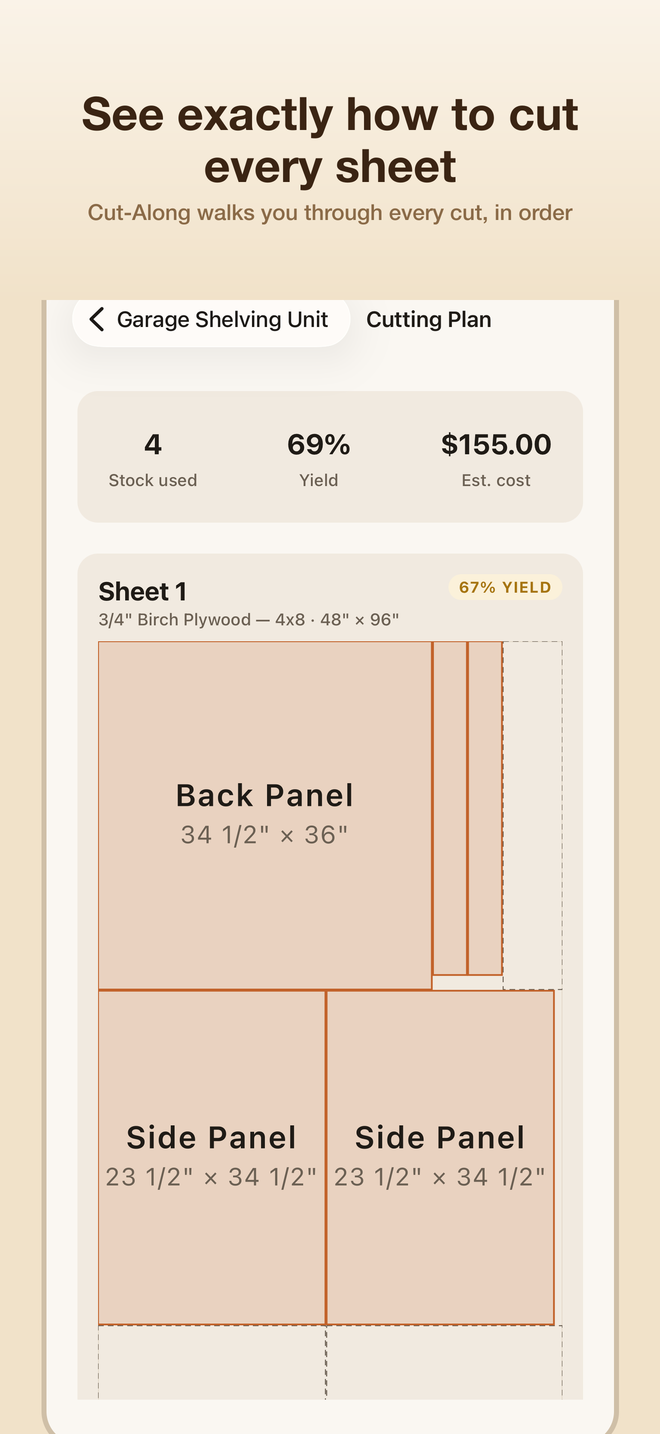
Cutbench turns your parts list into the most material-efficient cutting plan for the sheet goods and lumber you already own — then walks you through every cut, one at a time.
See it in action
Built for the shop, not a spreadsheet
Optimized layouts
Get the most efficient cutting plan for your plywood and lumber, accounting for saw kerf and grain direction.
Cut-Along mode
A full-screen, one-cut-at-a-time guide that tells you exactly where to cut next — no more losing your place.
Remembers your scrap
Leftover material from finished projects is saved and reused automatically before opening a fresh sheet.
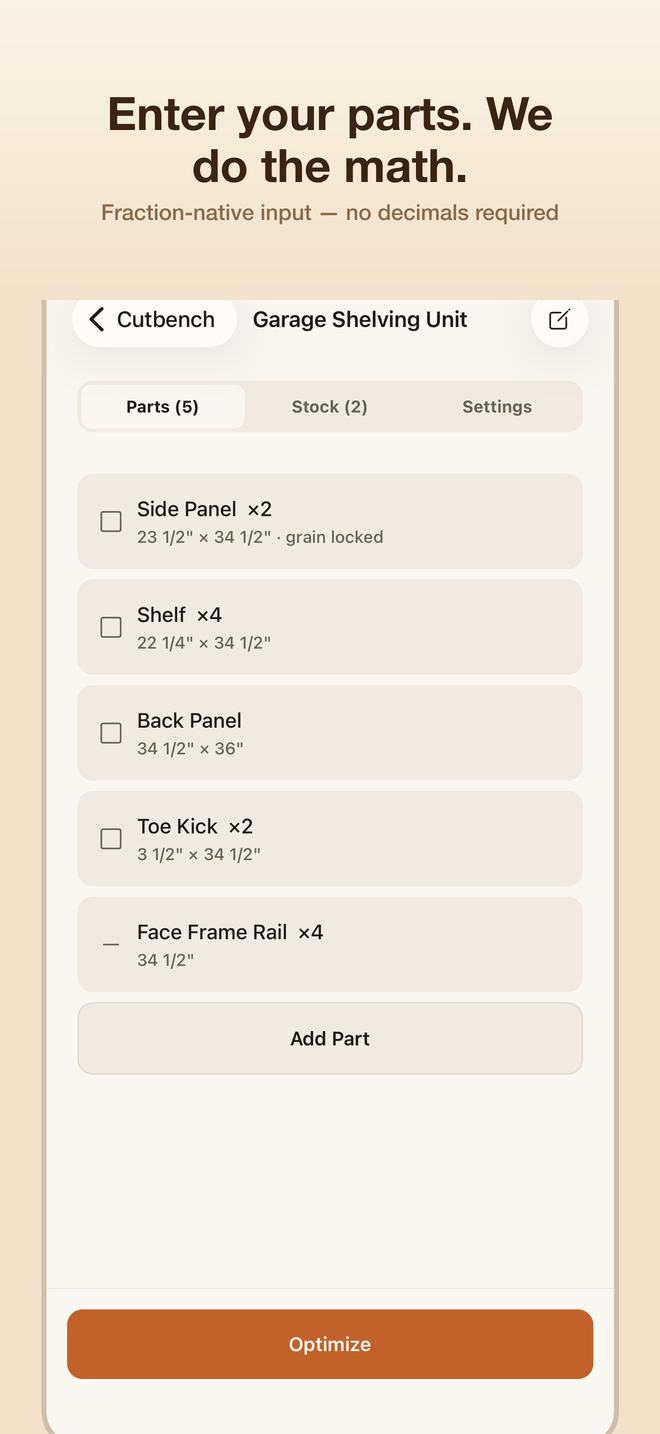
Fraction-native input
Type 24 3/8", not 24.375. Works the way you already measure in the shop.
Sheets and boards
Optimize plywood, MDF and other sheet goods, plus linear stock like boards and trim, in one project.
Print-ready plans
Export a PDF cutting plan and printable part labels to take to the shop.
Simple pricing
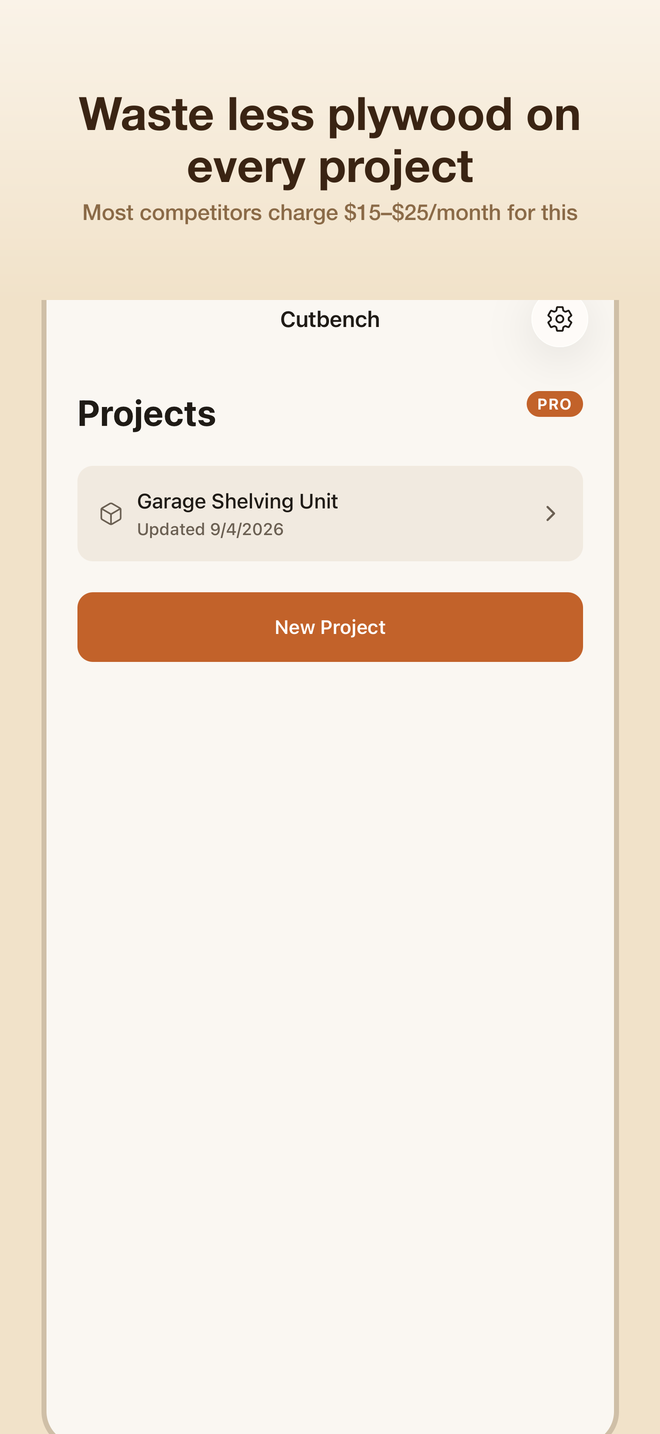
Try Cutbench free with unlimited optimizations and one saved project. Cutbench Pro unlocks unlimited projects, Cut-Along mode, PDF export and the offcut bin — with monthly, annual and lifetime options available directly in the app.